1time Chrome Extension
Turn any selected text into an encrypted, self-destructing one-time link — right from your browser.
Free · No signup · Works in Chrome, Edge, Brave, and Arc
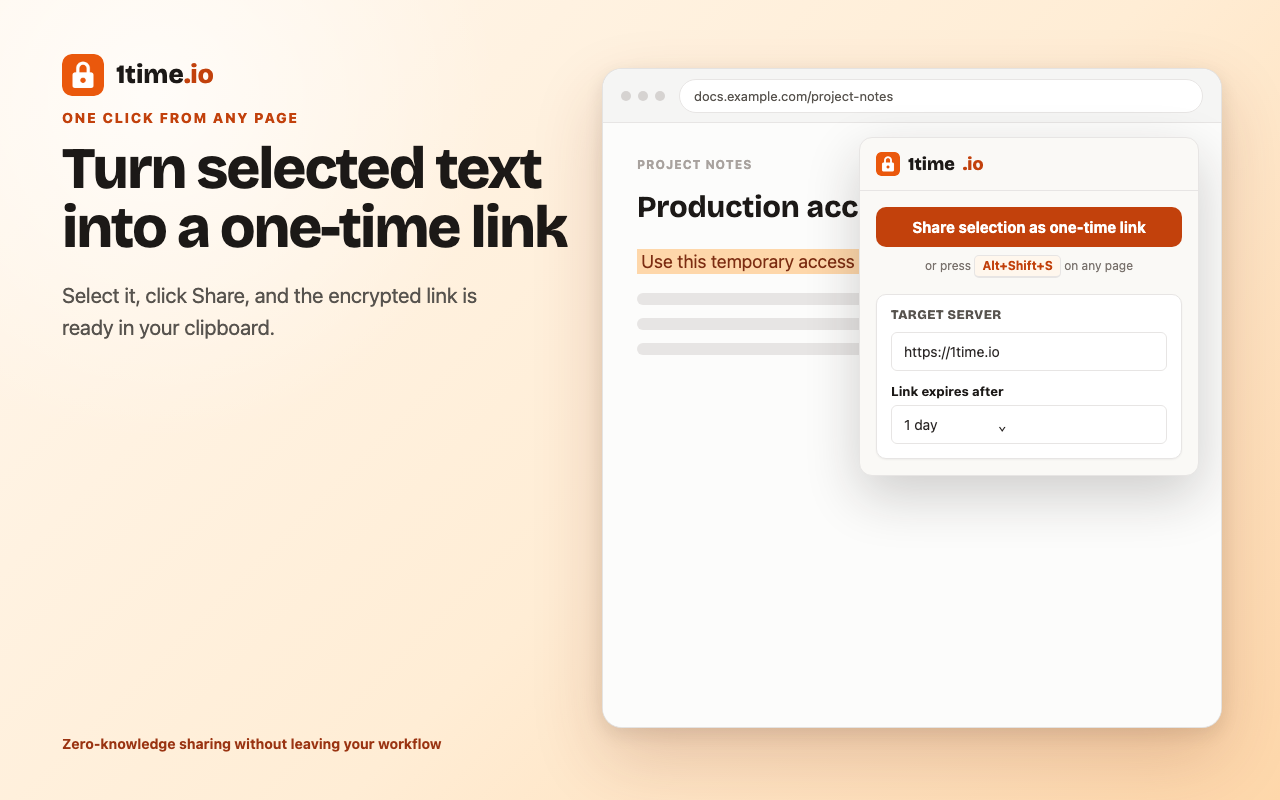
A one-time secret link without leaving the page
The 1time Chrome extension is the fastest way to share a password, API key, token, or private note as a one-time link. Select the text on any page, right-click, and pick “Share as one-time link” — or press Alt+Shift+S. The extension encrypts the selection in your browser and copies an encrypted, self-destructing link to your clipboard. The recipient opens it once; then the secret is permanently deleted. No tab switch, no copy-paste into a website, no account.
Right-click to share
Highlight text anywhere, choose “Share as one-time link,” and the encrypted link lands on your clipboard.
Keyboard shortcut
Press Alt+Shift+S to share the current selection without touching the mouse.
Encrypted in your browser
AES-256-GCM encryption happens locally. The key stays in the link fragment and never reaches the server.
Self-hosted support
Point the extension at your own 1time server in the options — keep secret sharing on your own infrastructure.
How the extension works
- Select the text you want to share on any web page.
- Right-click and choose “Share as one-time link,” or press Alt+Shift+S.
- Your browser encrypts the selection with AES-256-GCM and uploads only the ciphertext.
- An encrypted one-time link is copied to your clipboard — paste it wherever you like.
- The recipient opens the link once; the secret is decrypted in their browser and then permanently deleted.
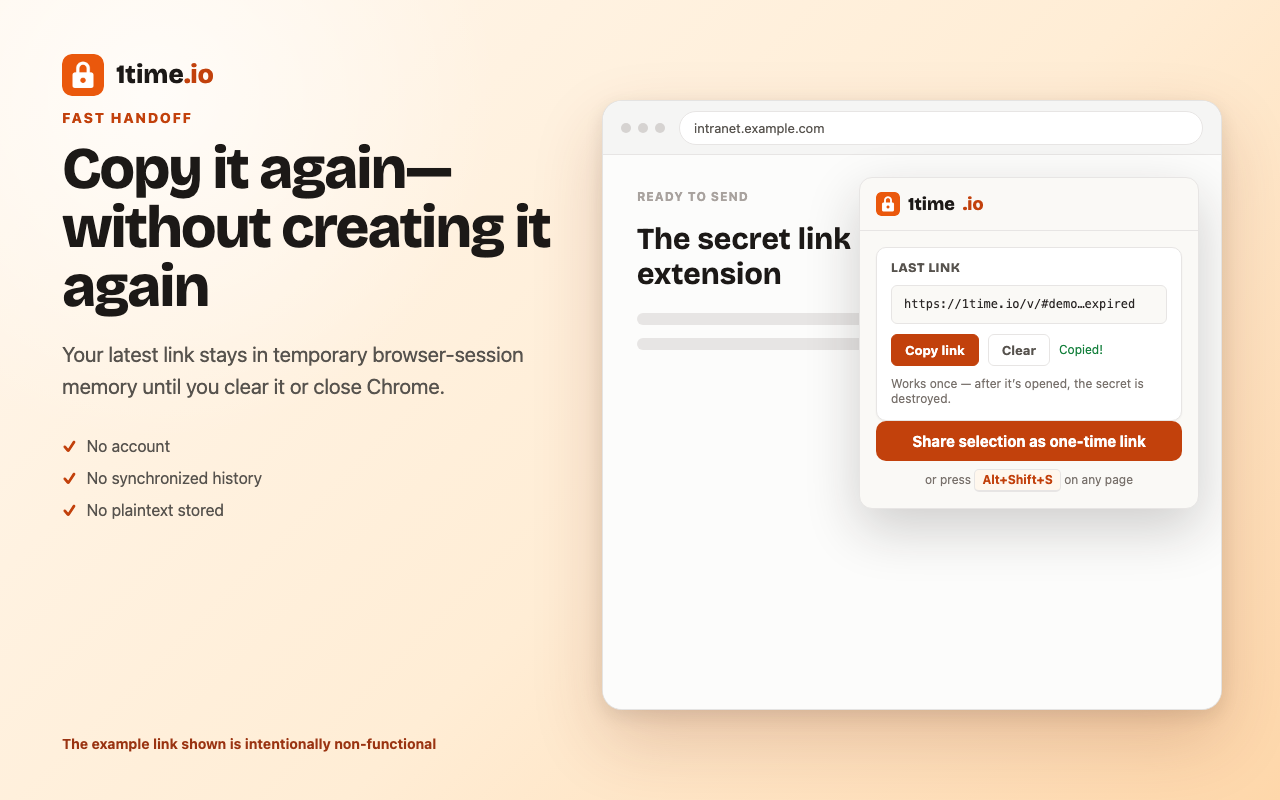
Zero-knowledge by design
1time.io is a zero-knowledge service: the decryption key lives only in the link fragment (#),
which browsers never send to the server. The extension follows the same model. The selected text is
encrypted before it leaves your machine, and the extension deliberately keeps the secret link out of the
page — the clipboard copy happens in a private extension context so page scripts can never read it.
Even the server operator cannot recover your secret.
Good for developers and IT teams
Sharing a database URL in a code review, handing a colleague an API key, sending recovery codes, or passing along an SSH snippet — the extension fits the moments where a secret is already on your screen and you just need a safe, single-use way to pass it on. For terminal workflows, the same one-time links are available from the 1time CLI.
Install the extension
Add it from the Chrome Web Store, then start sharing — no configuration needed to use 1time.io.
Frequently asked questions
What does the 1time Chrome extension do?
It turns any selected text into an encrypted one-time link without leaving the page. Select a password, API key, or note, choose "Share as one-time link" from the right-click menu (or press Alt+Shift+S), and the encrypted link is copied to your clipboard. The link opens exactly once, then the secret is deleted.
Is the extension free, and does it require an account?
Yes, it is free, and there is no signup. The extension shares secrets through 1time.io by default, which needs no account.
Can the extension or the server read my secret?
No. The selected text is encrypted inside your browser with AES-256-GCM before anything is sent. The decryption key lives only in the link fragment, which never reaches the server. Neither the server operator nor the extension itself can read the plaintext.
Does it work with a self-hosted 1time server?
Yes. Open the extension options and set your own host. The extension will encrypt and create links against your self-hosted instance instead of 1time.io — useful for teams that keep secret sharing on their own infrastructure.
Which browsers are supported?
Any Chromium-based browser that supports Manifest V3 — Google Chrome, Microsoft Edge, Brave, Arc, and others — running Chrome 116 or newer.